AI Transparent Image Generator

Describe it or upload a photo, and download a PNG with a real alpha channel. No manual cutout.

0/5000
Auto
1:1
16:9
9:16
3:4
4:3

Example Gallery

Result

Checkerboard areas are transparent.

Your PNG appears here

Make a transparent image in 3 steps

No masks, no pen tool, no Photoshop. About a minute end to end.

1

Describe or upload

Text to Image builds a new asset from a prompt. Image to Image drops the background from your own files — up to 5, 20MB each.

2

Choose and generate

Five aspect ratios at 1K, 2 credits per render, usually under a minute. The result appears on a checkerboard.

3

Check and download

Zoom in on hair, glass and thin lines, then save the PNG. Never re-save as JPG — it flattens the alpha onto white.

What this transparent image generator does well

Built on GPT Image 2, tuned for one job: assets with nothing behind them.

True alpha-channel PNGs
E-commerce product cutouts Slides, docs and web sections

One PNG, three backgrounds. Switch the background to inspect the transparent edges.

True alpha-channel PNGs

The output is a PNG with a real per-pixel alpha channel — not a checkerboard pattern painted into the pixels, and not a white rectangle. Place it on any colour, gradient, photo or dark UI and the edges stay clean.

Transparency by generation, not by keying

Classic workflows draw a background and then try to key it out, which leaves halos on hair, fur and foliage. Here the subject is rendered with the background already empty, so there is far less fringing left to clean up by hand.

Sharp lettering for logos and stickers

GPT Image 2 renders type far more reliably than earlier image models, so wordmarks, badges and labels come out readable instead of scrambled — which matters when the transparent asset itself is a logo or a sticker with text on it.

Cut out the images you already have

Upload up to 5 reference images and describe the change: isolate the product, drop the background, keep the shadow, swap the colourway. Useful for catalogue shots, marketplace listings and photos you cannot re-shoot.

Prompt control over shadows and margins

Shadows, reflections and padding are the details that usually ruin a cutout. You can ask for them explicitly — “no drop shadow”, “tight crop, small even margin” — and the model follows those instructions closely.

Multilingual prompts and on-image text

Prompts and rendered text work in English and in non-Latin scripts such as Chinese, Japanese, Korean, Hindi and Bengali, so a localized icon or sticker set does not need a second tool.

What people build with it

Every one of these needs an image with nothing behind it.

Logos, icons and app assets

Wordmarks, feature icons, empty-state art and UI illustrations that sit on any background colour without a white box around them.

E-commerce product cutouts

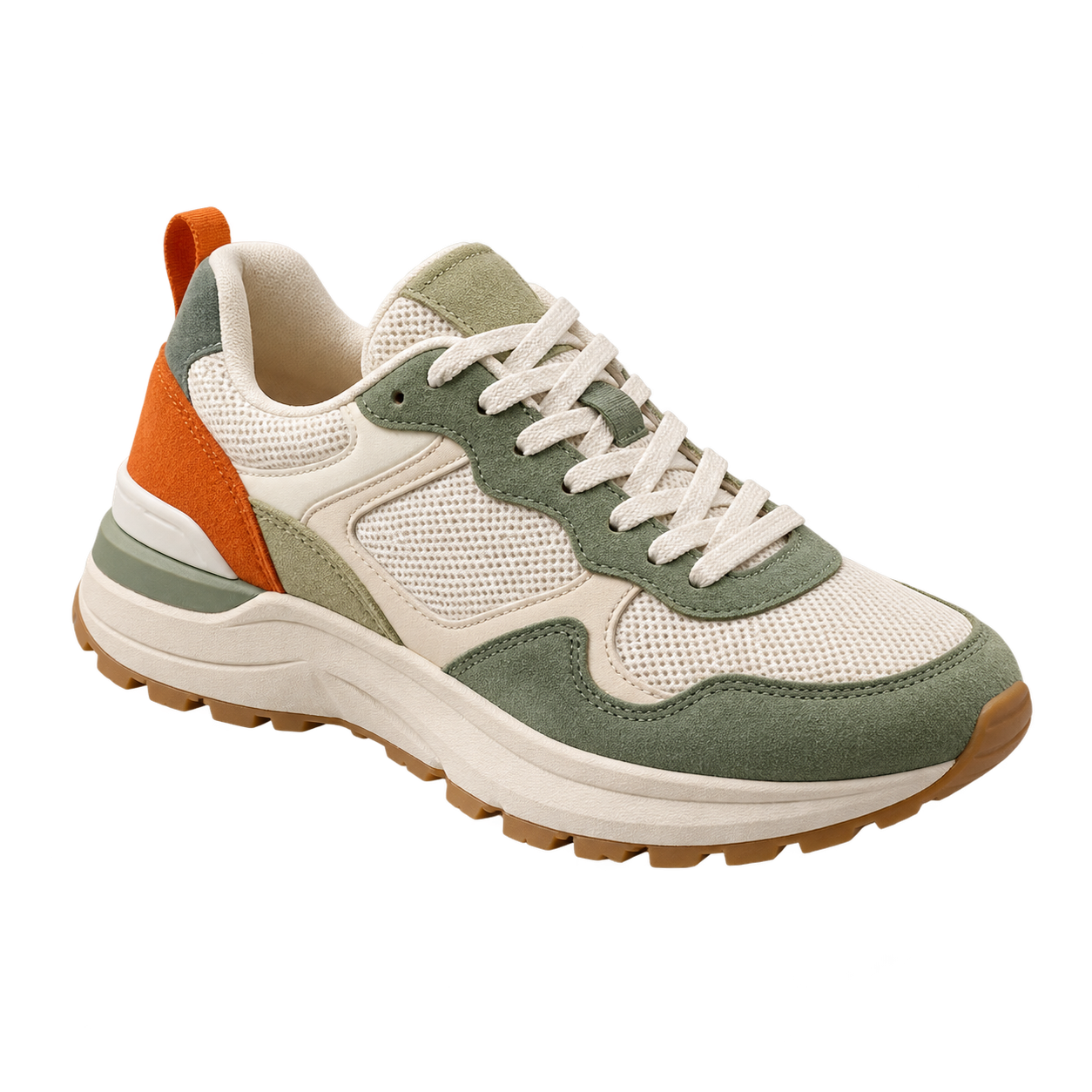
Background-free product shots for storefronts, marketplace listings, banners and comparison grids, so one image works on every template.

Stickers, emotes and avatars

Die-cut style stickers, chat and stream emotes, and profile art that stays readable on both light and dark themes.

Game and motion assets

Sprites, item icons, HUD elements and overlay graphics that have to composite over a scene instead of covering it.

Slides, docs and web sections

Spot illustrations for presentations, documents and landing pages, where a coloured or gradient section would expose a solid background.

Print, merch and mockups

Artwork for t-shirts, mugs, stickers and packaging mockups, where a leftover background prints as a visible rectangle.

Generate a transparent image, or cut one out?

These are two different jobs. Picking the right one saves you a round of edits.

Use this generator when…

  • The asset does not exist yet — an icon, mascot, badge or illustration.
  • You want a variation on something you have: same product, new angle, new colourway.
  • The subject has awkward edges — fur, foliage, wisps of hair — that a keying tool would mangle.
  • You need a matching set in one consistent style, generated from prompts.

Use a background remover when…

  • The original pixels must be preserved exactly — a real product, a real person, a catalogue or compliance image.
  • The photo is already final and only the background has to go.
  • You want a one-click cutout with no prompt writing at all.
Open the Background Remover

Honest caveat: a generative model redraws the subject, so fine details can shift between the upload and the result. When the exact original pixels matter, cut out instead of regenerate.

Frequently Asked Questions

How this tool works, and what happens to your images

The model behind it

Renders run on GPT Image 2 (also known as ChatGPT Image 2), OpenAI’s current image generation and editing model, called through our own infrastructure. Text to Image and Image to Image use the same model, with the background parameter set to transparent.

Cost and free use

Each generation costs 2 credits at 1K resolution. New visitors get a limited free trial without signing up; after that you sign in and spend credits. The cost and your balance are always shown above the Generate button before you commit.

Your uploads

Uploaded images are stored so the generation can run and so the result can appear in your creations. Please do not upload anything you are not able to share with a third-party model provider. Full details are in our Privacy Policy

Who builds it

Img Creator AI maintains a set of production image tools — background removal, upscaling, editing and generation — used daily by designers, sellers and marketers. This page is written and re-tested by the same team that ships the tool.