Free GPT Image 2 Online

Create fresh visuals from text prompts or transform existing images with Openai ChatGPT Image 2

0/5000
Auto
1:1
16:9
9:16
3:4
4:3
1K
2K
4K

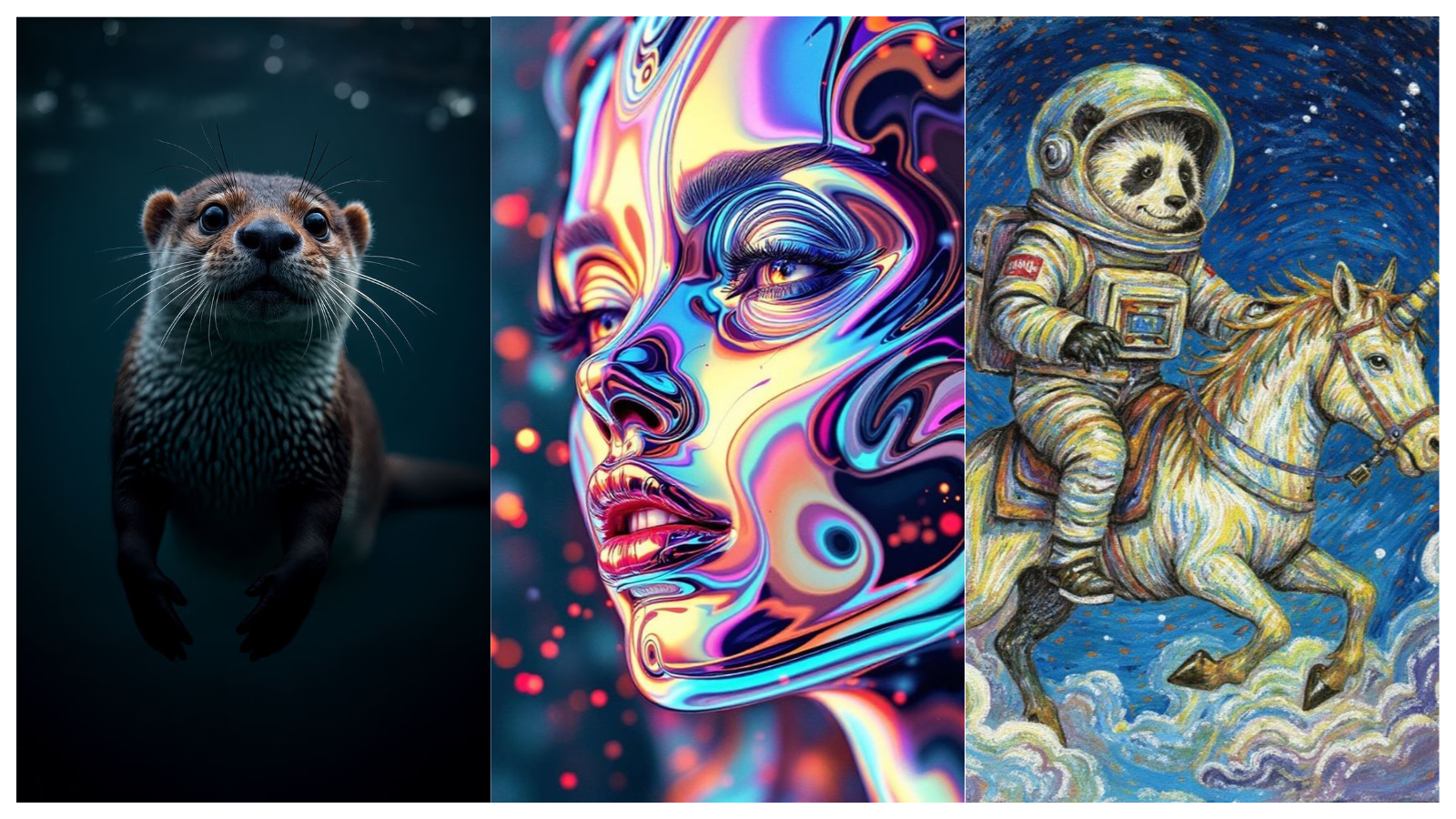
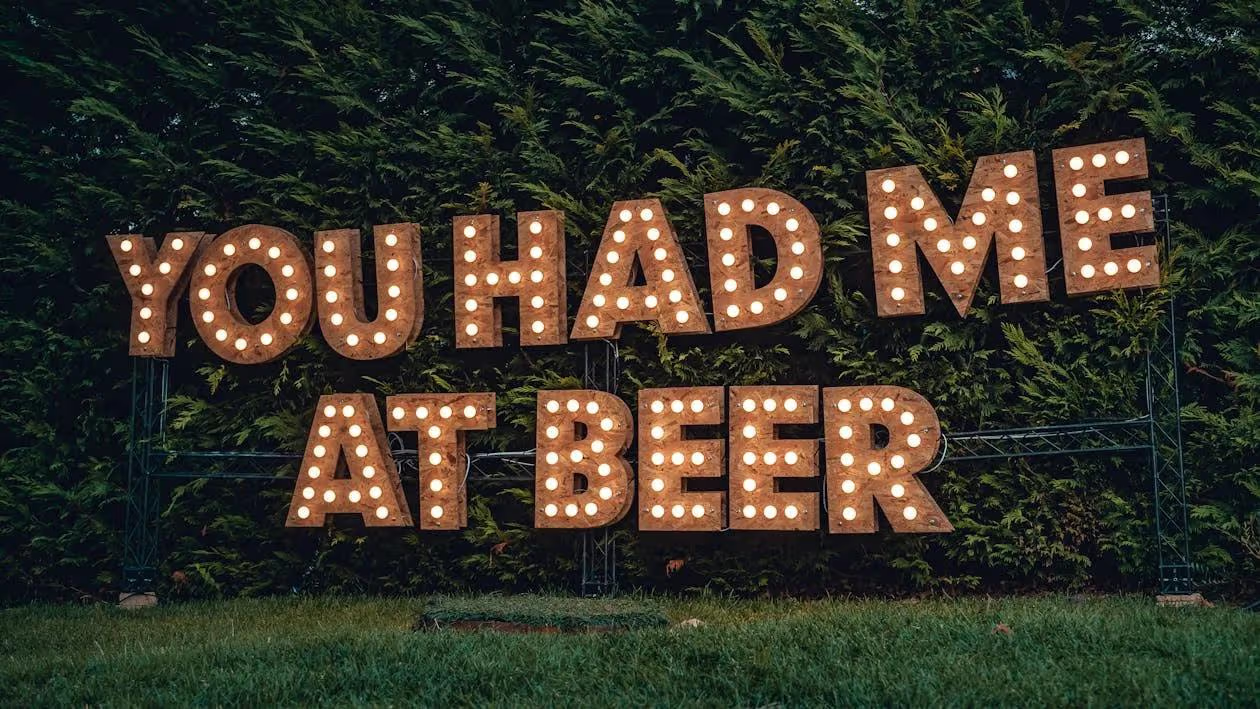
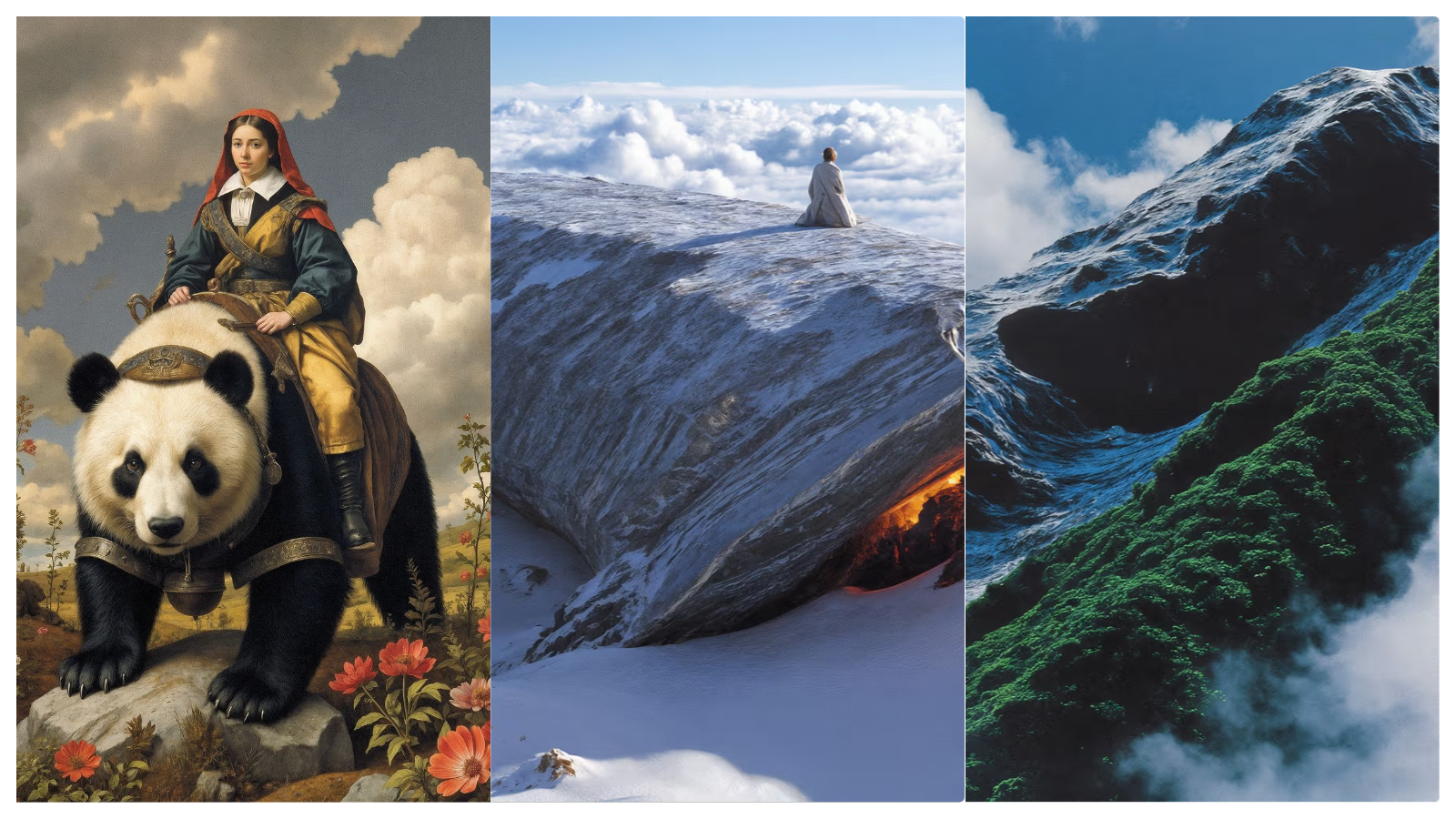
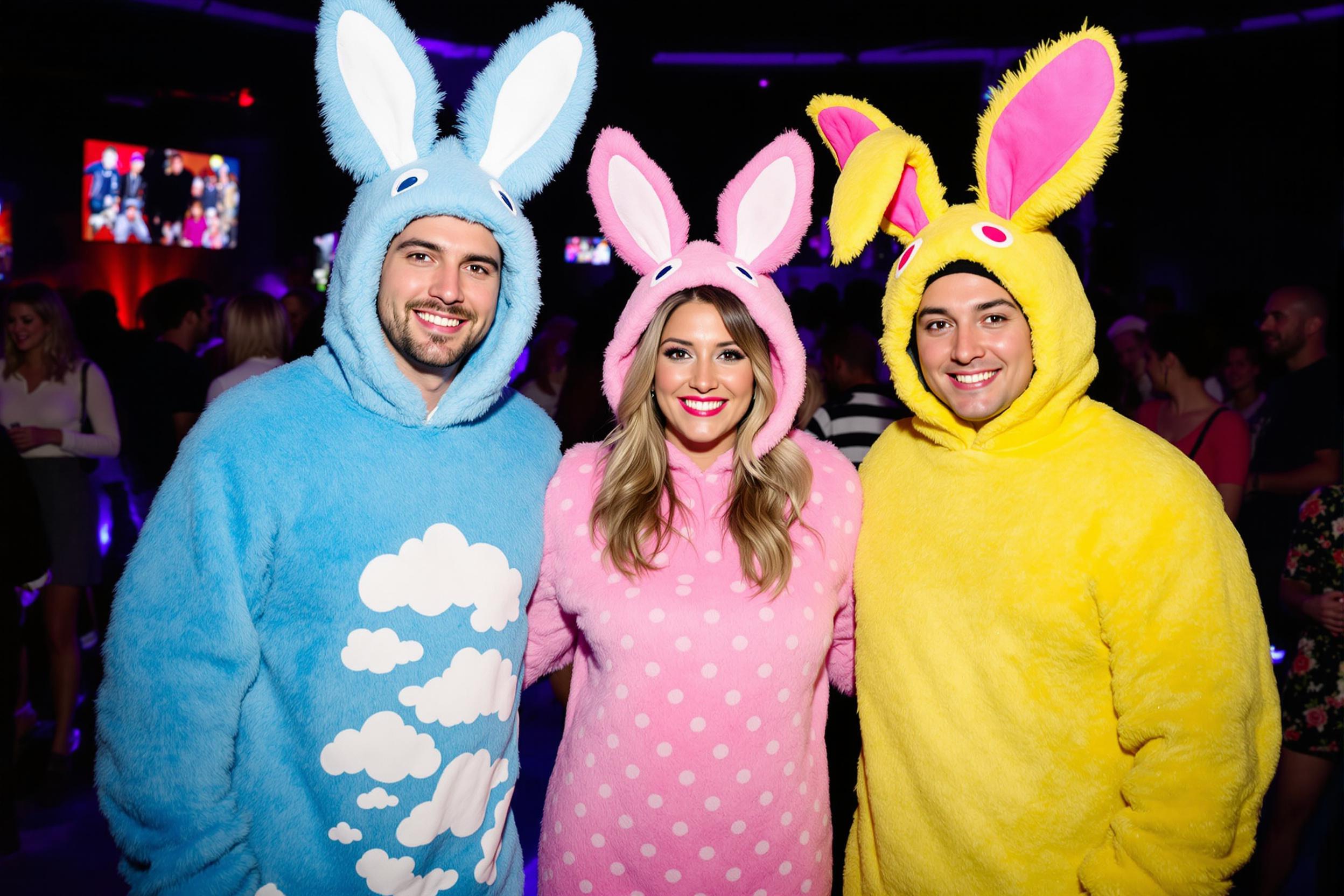
Example Gallery

Generated Image

Waiting for image generation

Enter a prompt and click generate to start creating

Key Features of GPT Image 2

Exceptional text rendering

Renders text with near 99% accuracy, handling dense copy and structured layouts with ease. Perfect for posters, charts, infographics, slides, comics, UI mockups, and QR codes, with far fewer typos or broken letters.

Major improvements in multilingual support

Text quality is much better in English and in non-Latin scripts like Chinese, Japanese, Korean, Hindi, and Bengali, making it a great fit for global, multilingual design.

Stronger prompt adherence and finer control

Follows prompts more accurately, with tighter control over details, composition, and layout. Results look polished and production-ready, and edits are more precise with fewer unwanted changes.

"Thinking" mode for complex creative workflows

Thinking mode adds ChatGPT’s reasoning to image generation. It can search the web, handle multi-step tasks, and create related image sets like character sheets or multi-angle views from a single prompt.

Built for practical, high-productivity use cases

Great for real work, not just pretty art. Easily creates charts, flowcharts, UI mockups, product shots, comics, pixel art, and cinematic stills, and can also edit or extend images you upload.

Higher overall image quality

Image quality is better across the board, with sharper photorealism, more natural faces, richer detail, and more realistic lighting. It also scores much higher on benchmarks like Arena for text-to-image and image editing.

Frequently Asked Questions