

Restore Old Photos in Seconds
Upload a faded, scratched or torn family photo and let AI restore it — damage removed, faces sharpened, color brought back. Free to try, online, no signup required.
Upload your old photo
Drop a scan or photo here, or click to browse
Supports JPG, PNG, WEBP & HEIC · up to 10 MB
Restoring your photo…
Restoration model
Before & After
Drag the handle to see how much detail comes back — scratches gone, contrast rebuilt, faces sharp again.
public/images/
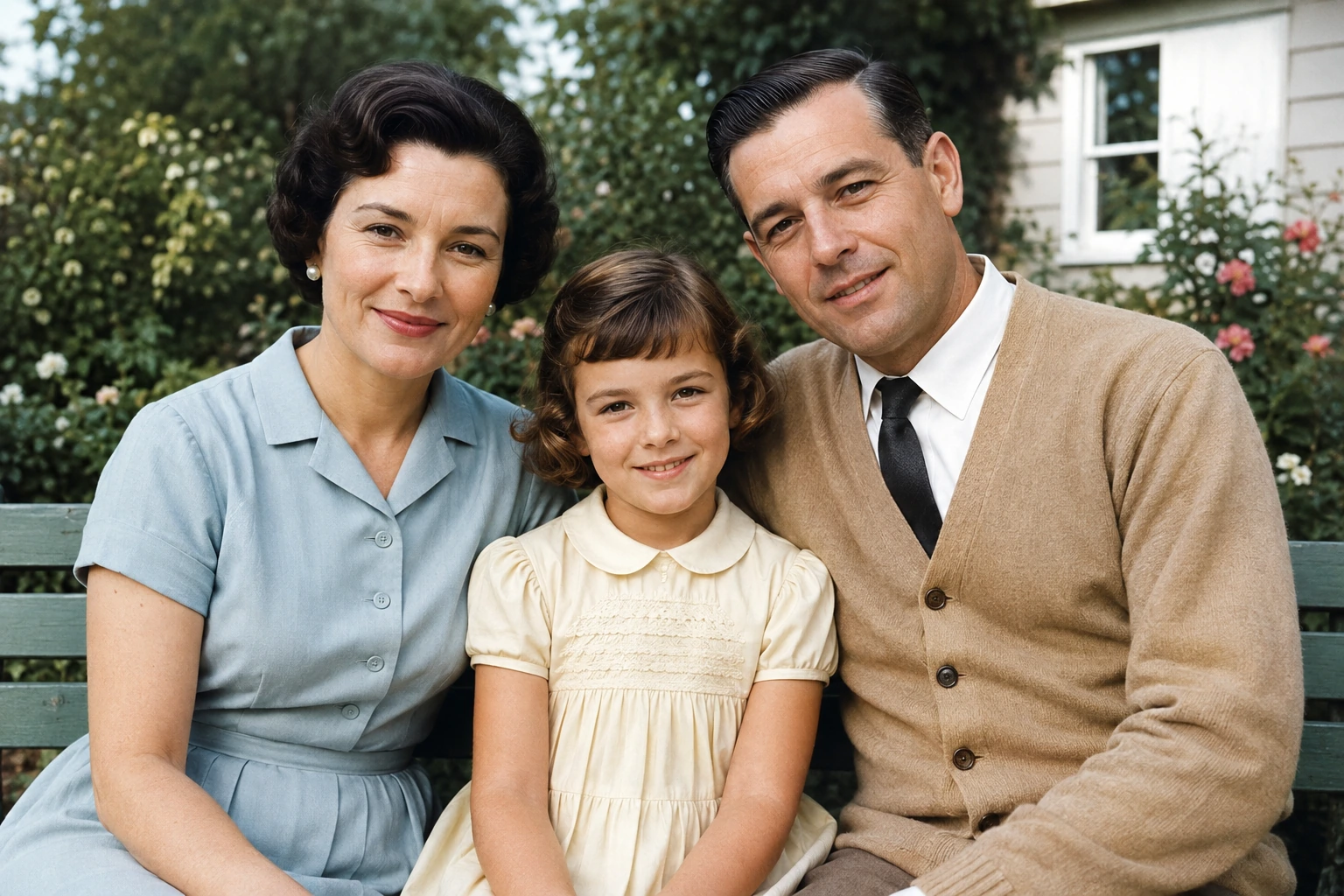
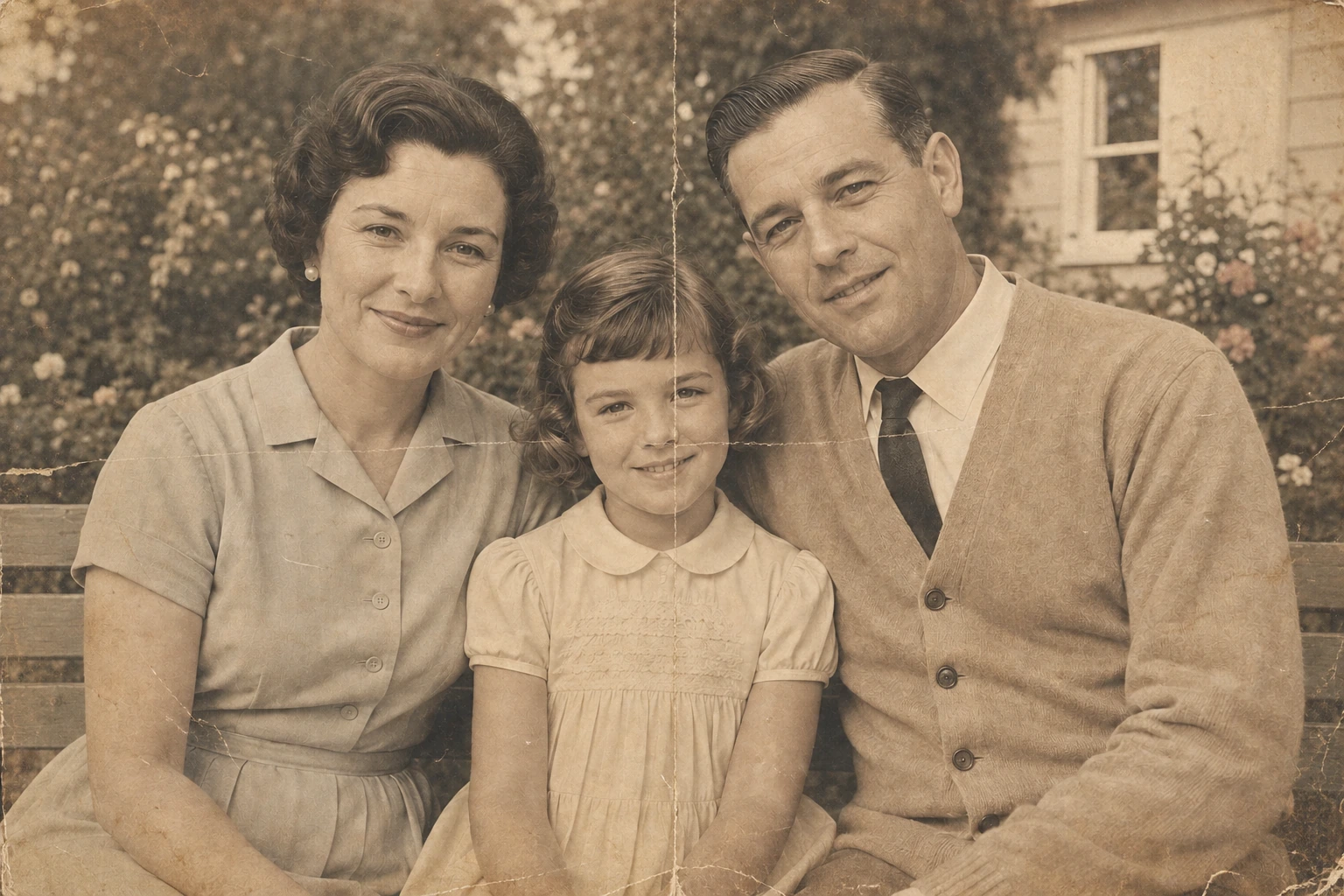
Faded, yellowed and creased scan → restored color, contrast and detail.
What the AI restores
Scratches & tears
Creases, dust specks and torn corners are filled in with matching texture.
Color & fading
Yellow cast removed, and black-and-white shots colorized with natural tones.
Faces
Blurred faces are reconstructed with sharper eyes, hair and skin detail.
Resolution
Low-res scans are upscaled so prints stay crisp at larger sizes.
How it works
Upload the photo
Drag in a scan or a phone snapshot of the print. JPG, PNG, WEBP and HEIC all work.
Pick your options
Choose Google Nanobanana or ChatGPT Image, and decide whether the photo should be colorized.
Download the result
Compare before and after, then save the restored photo in full resolution.
Frequently asked questions
Bring your family album back to life
Restore your first photo free — no account, no watermark.
Restore a photo now