Lyrics into SongAI AI Music Generator Turn Your Lyrics into Beautiful Songs AI Generates Full Songs Multiple Music Styles Royalty-Free for Creators Try Free Create Your Song Now

Seedream 5.5 AI Image Generator & Editor Online

Turn a prompt into a finished image, or edit your own photos round after round with ByteDance Seedream 5.5, which leaves the parts you didn't ask to change alone.

0/5000
1:1
4:3
3:4
16:9
9:16
2:3
3:2
21:9
1K
1.5K
2K
Auto
Transparent
Opaque

Seedream 5.5 Example Gallery
Generated Image

Waiting for image generation

Enter a prompt and click Generate to start creating with Seedream 5.5

What Is Seedream 5.5?

Seedream 5.5 is the latest image generation and editing model from ByteDance's Seed team, released in November 2026. It follows Seedream 5.0 Pro and is designed for production work, where an image has to come out right and stay right after many edits, rather than for one-off experiments.

On Img Creator AI you can use Seedream 5.5 in your browser with nothing to install. Write a prompt to create a new image, or upload up to 10 reference photos and describe the change you want. Pick an aspect ratio and a 1K, 1.5K or 2K resolution, and download the result when it's done.

How to Use Seedream 5.5 Online

Go from idea to finished image in three steps.

1

Choose a mode

Use Text to Image to create something from scratch, or switch to Image to Image and upload up to 10 reference photos, such as a product shot, a face or a style sample.

2

Write your prompt

Describe the subject, style, lighting and any text that should appear in the image. When editing, say what to change and what to keep. Then pick an aspect ratio and a resolution.

3

Generate and keep editing

Click Generate and download your image. Need another change? Click Continue Edit to refine the same image again without starting over.

Key Features of Seedream 5.5

Stable editing over many rounds

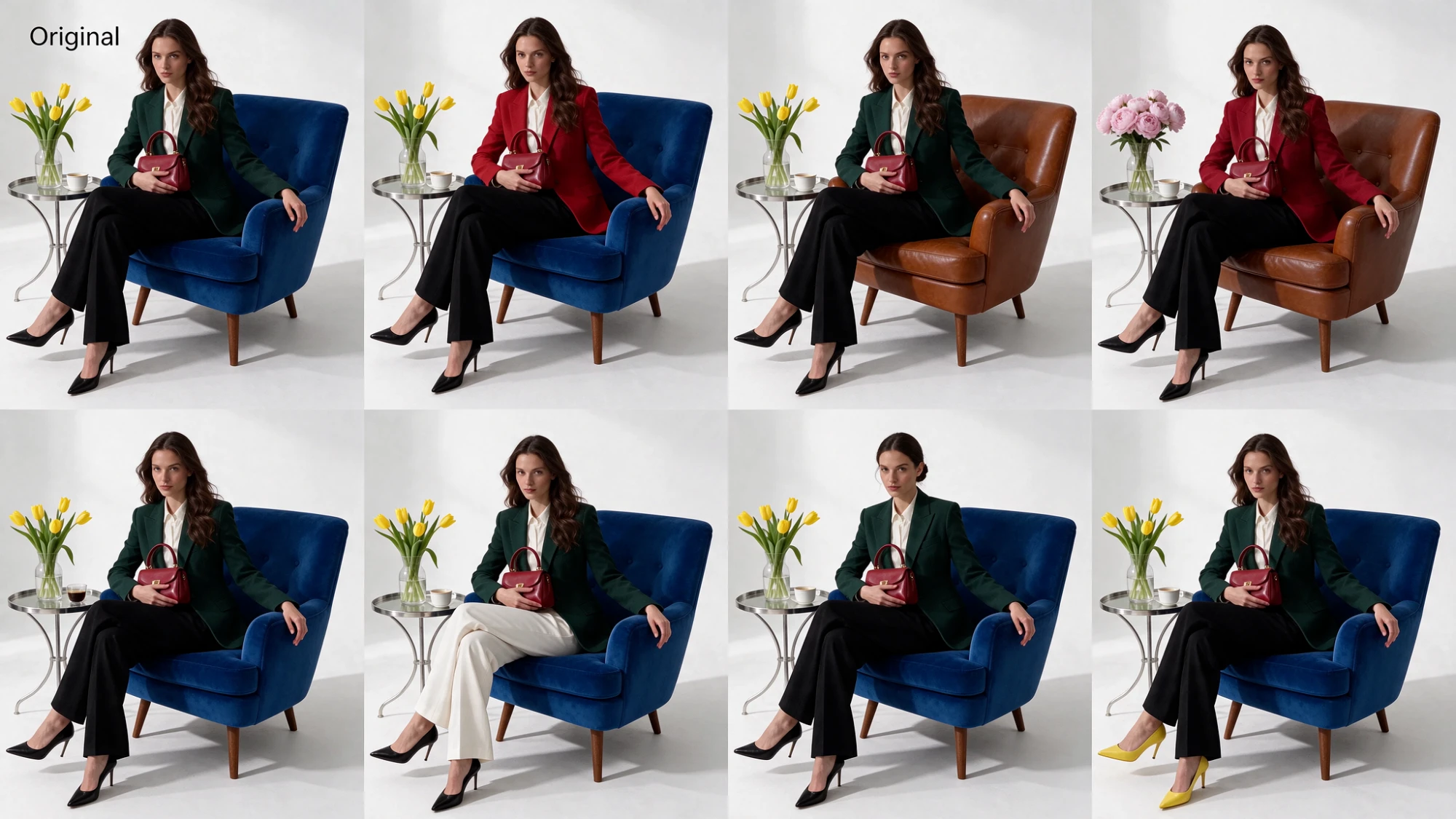
ByteDance says Seedream 5.5 can edit the same image up to 100 times while the areas you didn't touch stay identical down to the pixel, with no color drift. You can change an outfit, swap a prop or fix a detail and keep the rest of the image as it was.

Sharp, accurate small text

Dense and small text renders more cleanly, including complex Chinese characters. ByteDance reports serious text errors in only 0.4% of its test images, so menus, posters, packaging, slides and infographics need fewer fixes.

More natural photorealism

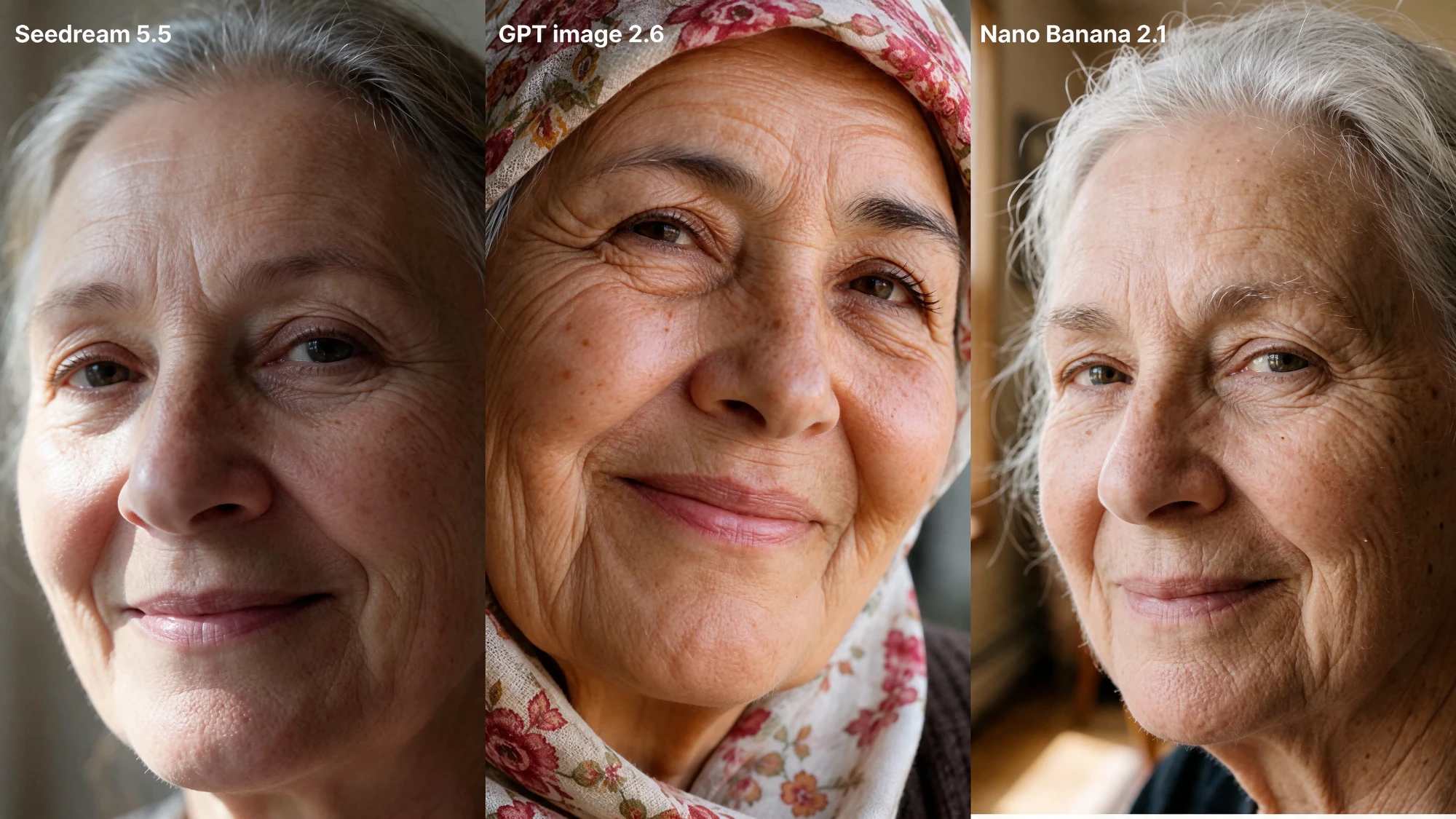
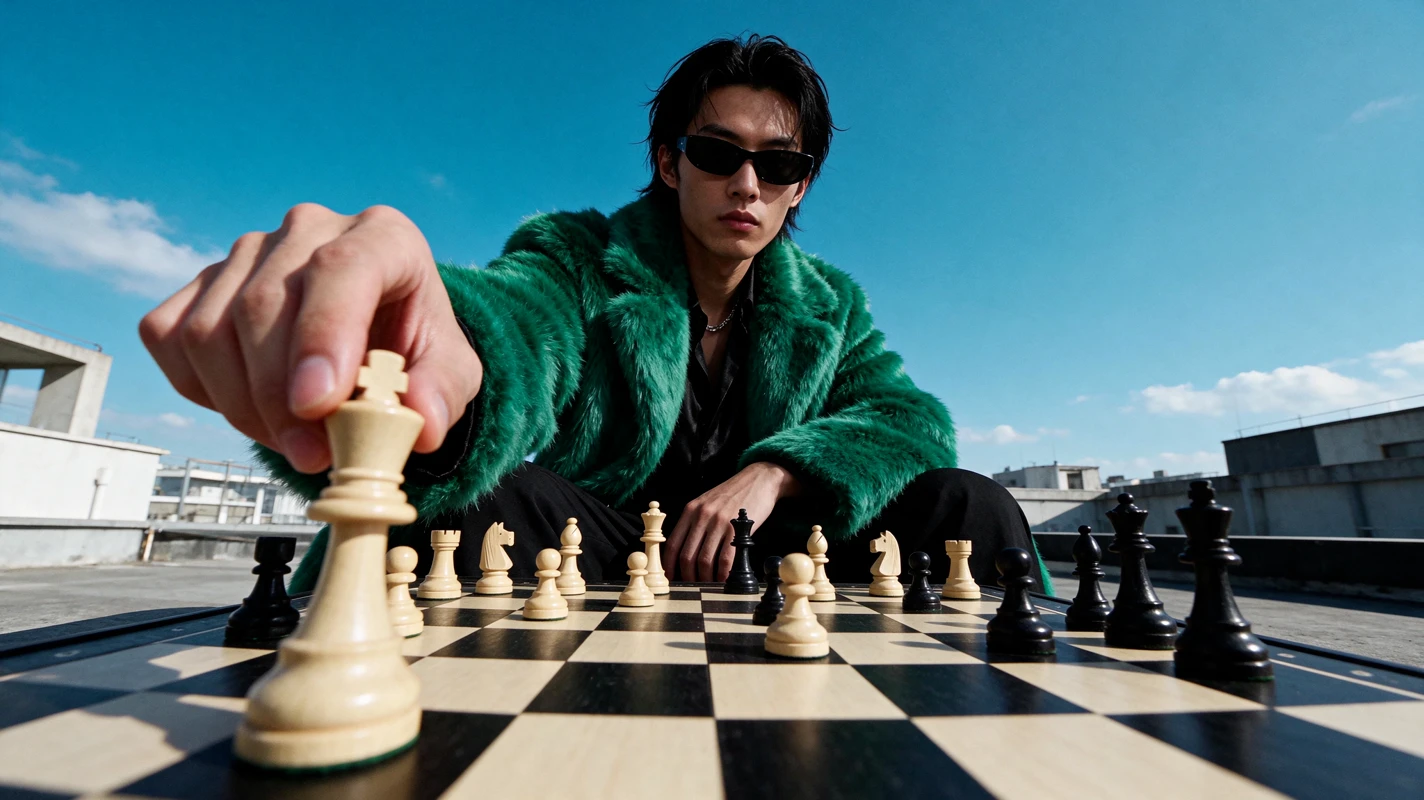
Light, materials and skin texture look more true to life, with less of the oily, overexposed look common in AI portraits. That makes it a good fit for product photos, fashion shots and lifestyle images.

Multi-reference image editing

Upload up to 10 reference images in one request to combine a product, a model, a background and a style. Seedream 5.5 keeps faces, logos and other key details consistent across the result.

Made for real production work

ByteDance tested Seedream 5.5 on e-commerce, marketing, film and TV, games, office documents and fashion design, and its expert raters scored it above Seedream 5.0 Pro in all six areas.

Faster and cheaper than Seedream 5.0 Pro

ByteDance says Seedream 5.5 generates images about 40% faster than Seedream 5.0 Pro and costs about 60% less per 2K edit. That means quicker iteration and lower credit costs for you.

Seedream 5.5 FAQ